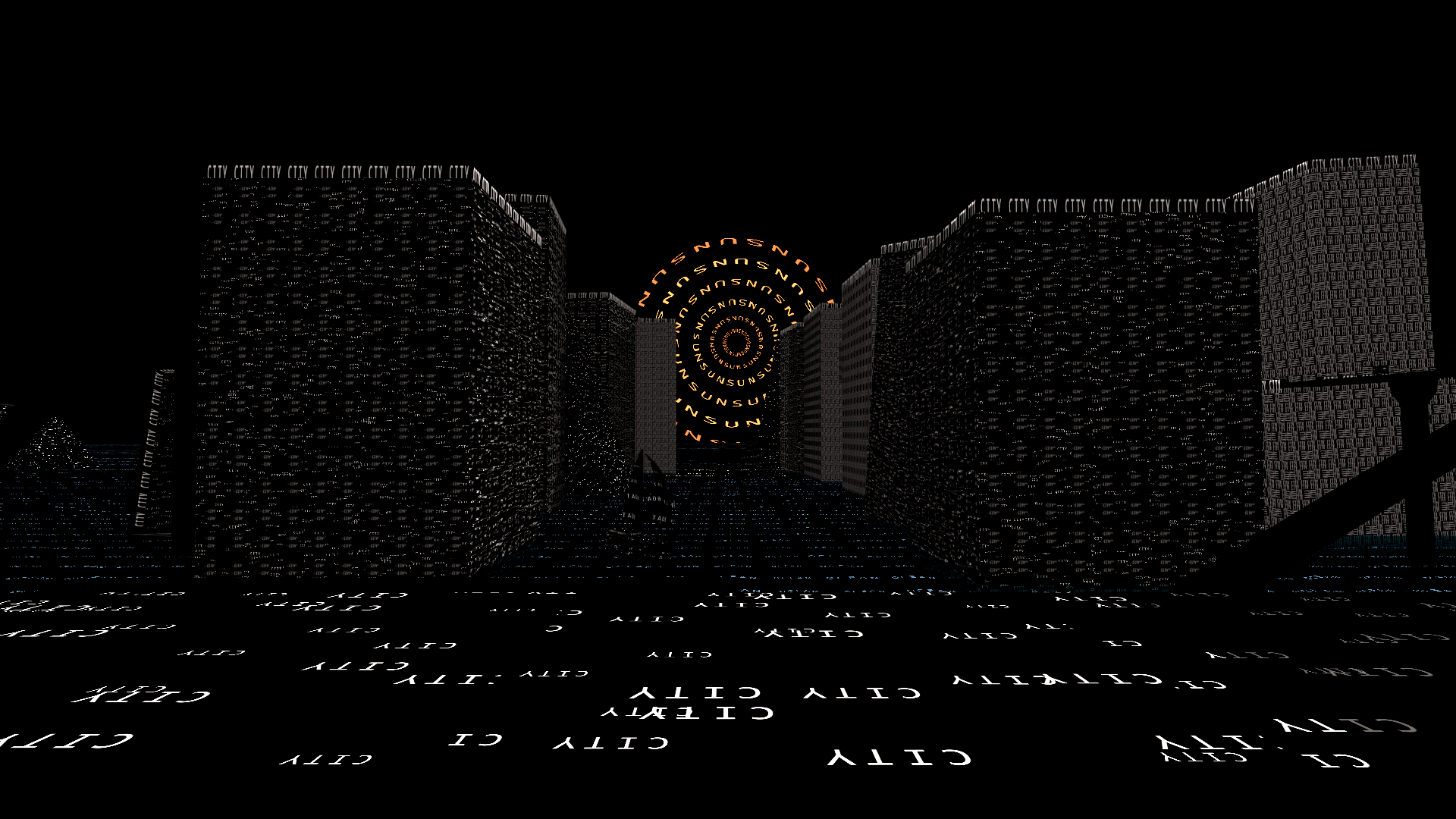
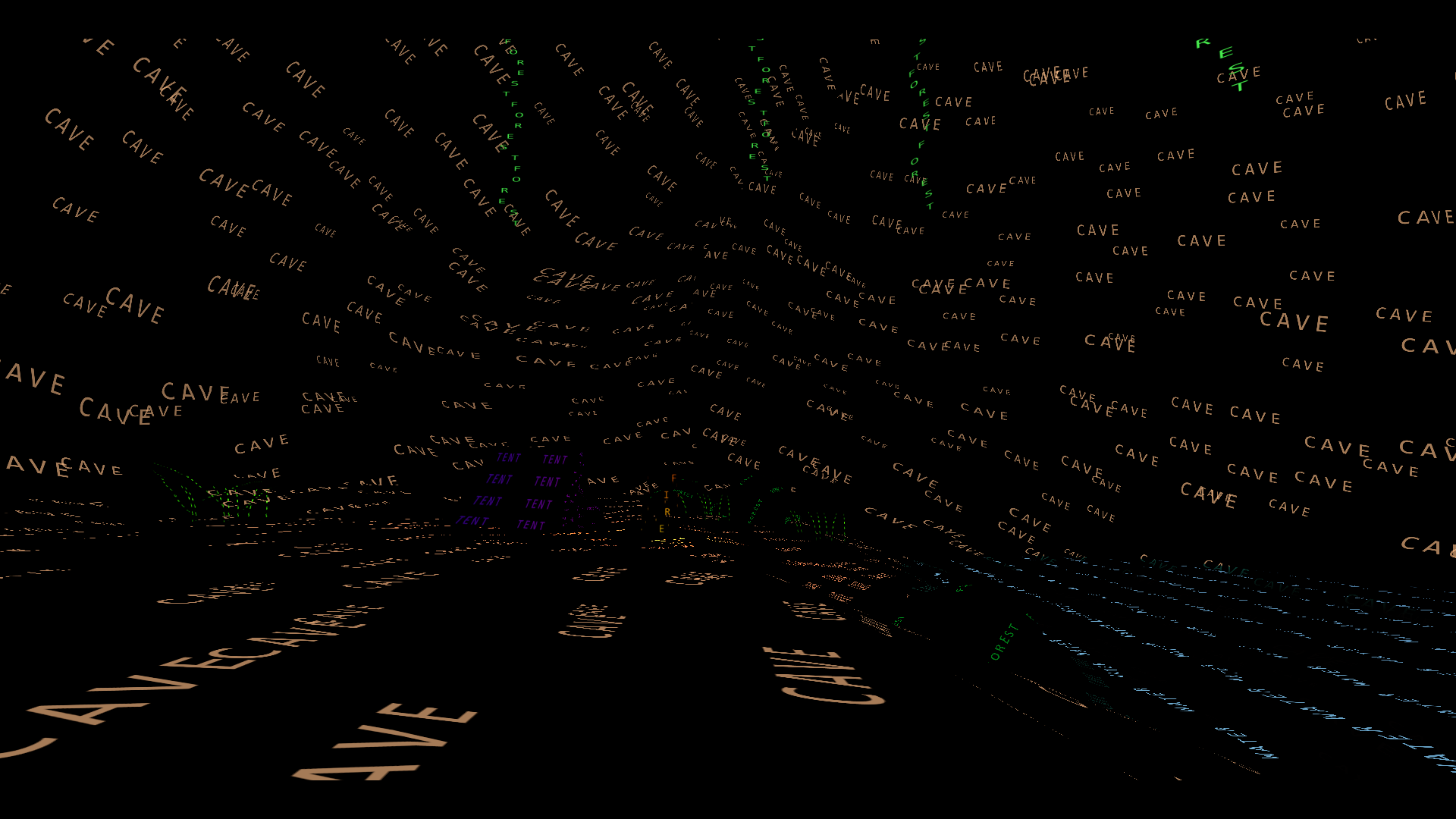
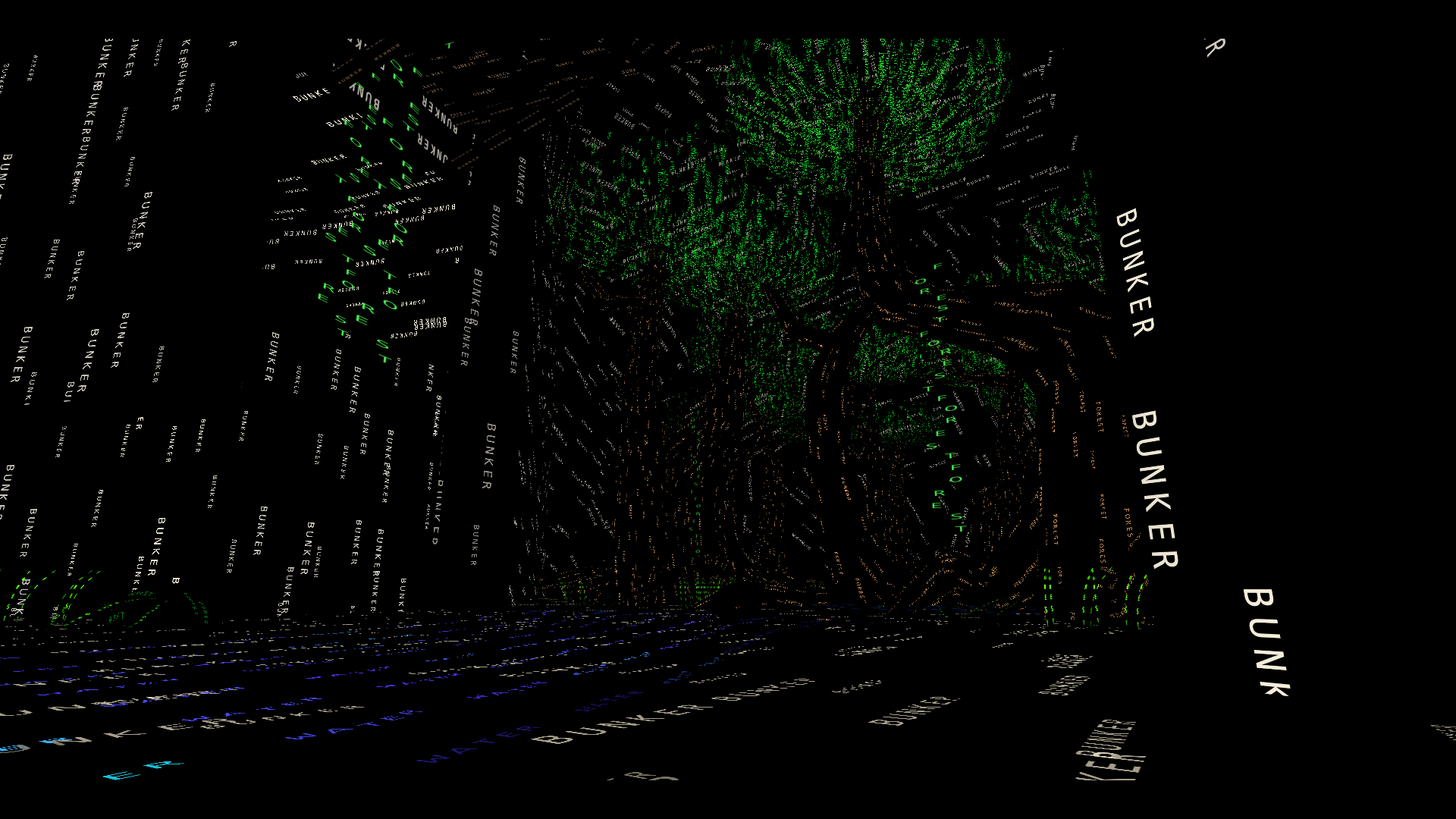
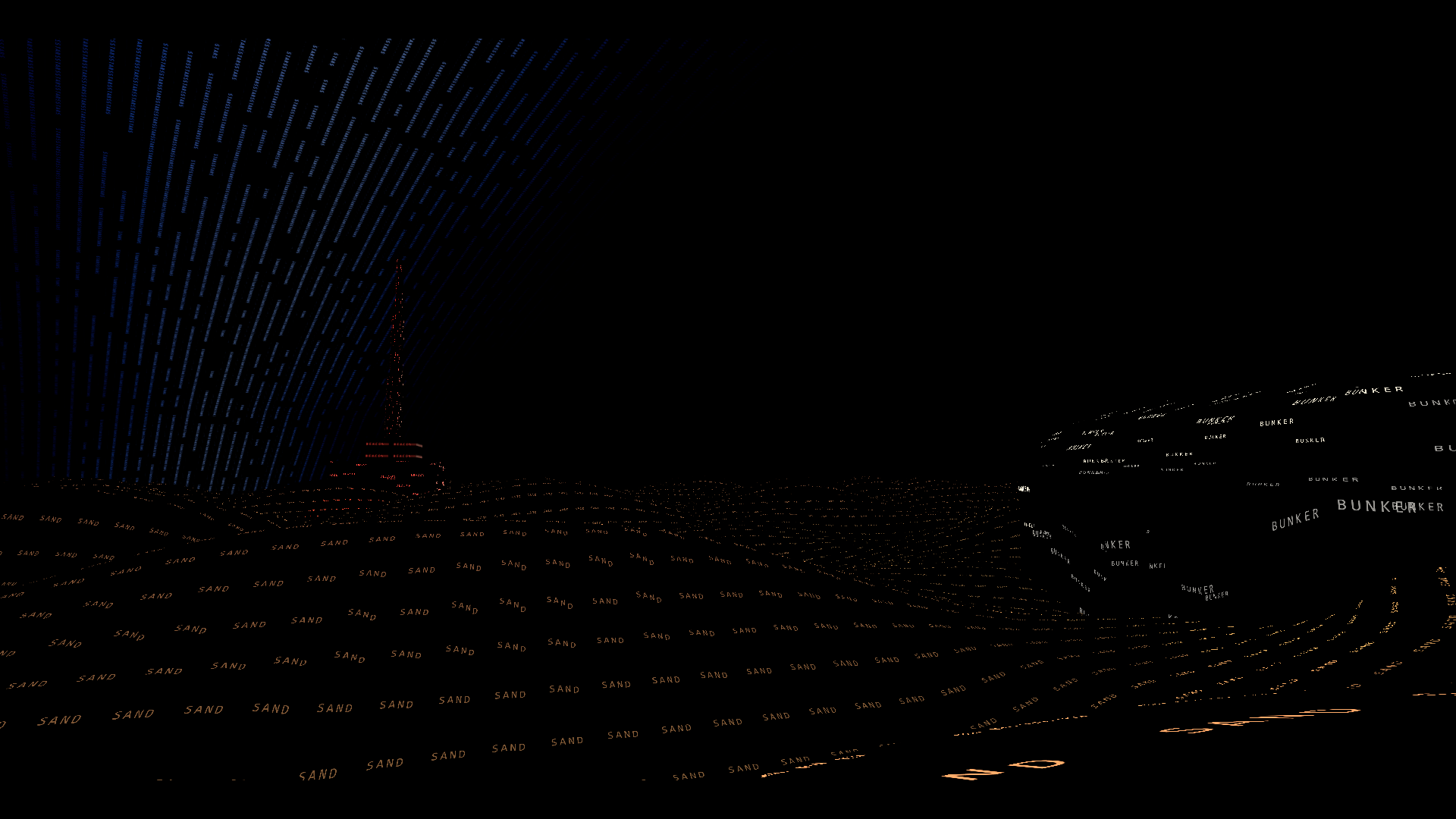
://Ex_Silentio_ is a puzzle and
exploration game with a graphical twist. Everything starts completely black. Using only audio cues
and context, you type a word into a shell-like console. If it is correct, the element you guessed
appears on screen. The twist is that the word you typed becomes the texture of the object.
This is a bit hard to explain with text, so here is a gameplay video to give you a clearer idea:
First, I want to talk a bit about the main way the player interacts with the game: the console.
There are two ways to use it, either through Commands or by guessing words.
Commands are instructions the player can type to do various things, such as opening a tutorial,
getting hints, taking a screenshot, or resetting their position.
If what the player typed is not recognized as a command, we assume they were trying to guess a word.
To help players who struggle with spelling, we added an autocorrect system using the Levenshtein
distance algorithm. It returns the number of per-character edits needed to turn one string into
another. If the distance was below a threshold, we corrected the input to the closest valid word.
The main drawback of this algorithm is that it compares the input with every possible word, but that
was fine for us since our dictionary was small (around one hundred words).
I also had the chance to create several tools for this project. The main one was the tool we used to define word associations. We wanted players to be able to reveal an object using multiple words. For example, in one level, both "ocean" and "sea" reveal the same element. So we needed a tool that helped us organize this web of related words. The tool looked like this:

This tool had several purposes: creating new words, linking them together, and defining hint words.
Sometimes players might think of a word that was close but not quite right. We wanted to give them
feedback that they were on the right track. In this example, the selected word on the left is
"ocean". On the right, "sea" is another valid word for the same idea, and "water" is considered
close.
I also developed a playtest tool. It logged the player's position and exported it as a CSV file. In
the editor, we could then load these CSV files to visualize player paths. This allowed us to create
heatmaps of explored and unexplored areas and see the exact path taken by each tester.

Early in development, I realized that if we wanted multiple words to reveal the same object while supporting localization (the game is playable in French and English), we would need to generate the word textures procedurally. One option would have been generating them during the build, but we chose to generate them at runtime to speed up iteration. This was done by splitting the input string into characters, then copying each letter's texture from an atlas into the final texture.

One issue we hit early on was lag spikes whenever the player guessed a word. After checking the Unity Profiler, I found that copying pixels from the atlas to the new texture was slow. I was using Texture.GetPixels and Texture.SetPixels, which run on the CPU. Switching to Graphics.CopyTexture solved the problem.